













Your memory layer,for everything you save & like.
Remember what you save.
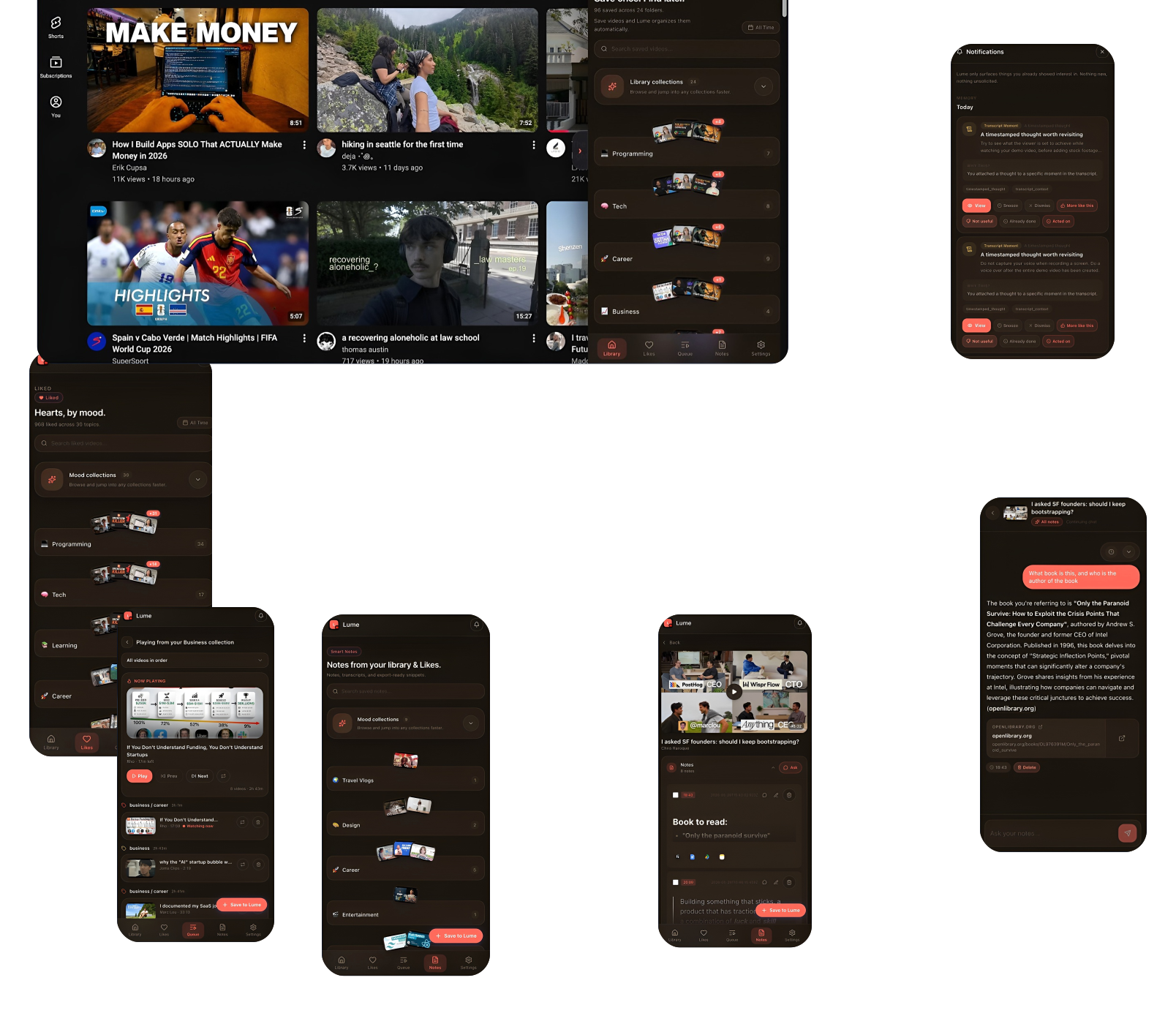
Lumeyext turns your YouTube likes, notes, and unfinished ideas into an organized, searchable memory system that surfaces what matters.
1248 Memories Saved
 Your YouTube memory layer
Turn watching into something you keep.
Save the context, organize your library, and find your way back to the ideas that matter.


Keep every idea with its source.
Save videos, timestamps, comments, notes, and chat threads together, so the context that sparked an idea is always close by.


A library that organizes itself.
Lumeyext groups what you save into useful collections, then makes every video and note searchable in natural language.


Talk to what you’ve learned.
Ask questions across your saved videos and notes. Get useful answers grounded in your own library and the moments you kept.


Bring good ideas back at the right time.
Notes, videos, and unfinished threads return when they can help, so useful thoughts don’t vanish into your watch history.

 How it works
Four steps, one memory layer.
Connect YouTube, keep the context that matters, and find your way back when you need it.
- 01
Connect YouTube
Bring your likes into one home and save new videos directly to your library.
- 02
Capture the moment
Keep the source, timestamp, and thought together while it is still fresh.
- 03
Organize as you go
Lumeyext groups your saved videos and notes into useful collections.
- 04
Recall what matters
Search, ask a question, or return to an idea at the right moment.


